> ## Documentation Index
> Fetch the complete documentation index at: https://agno-v2-codex-docs-audit-20260719-0149.mintlify.site/llms.txt
> Use this file to discover all available pages before exploring further.
# Agent UI
> Connect a self-hosted chat interface to agents and teams running in AgentOS.
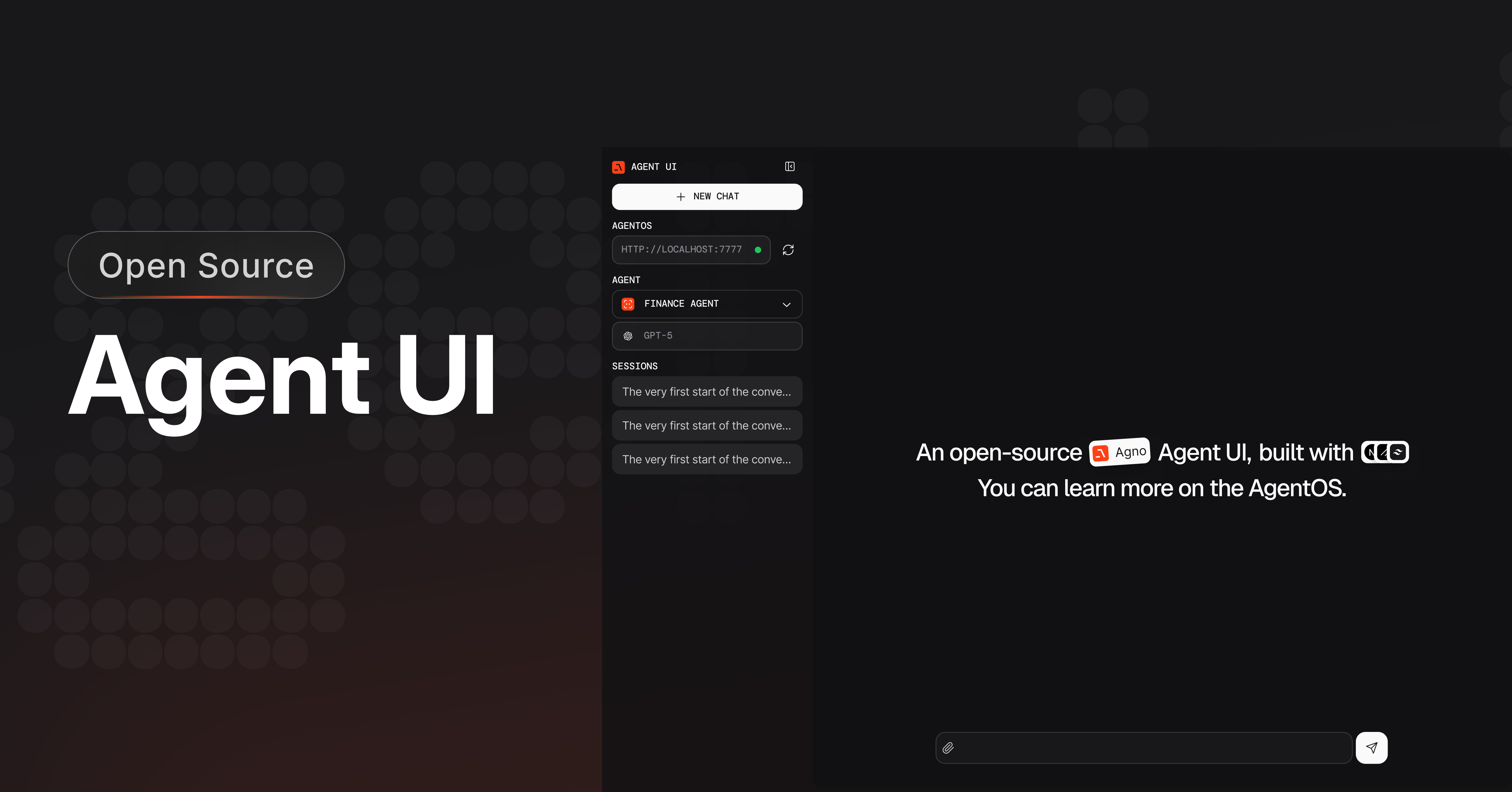 Agent UI is an open-source chat interface for AgentOS. Run agents and teams,
resume sessions, inspect tool calls, reasoning, and references, and render image,
video, and audio output.
Agent UI sends requests to the AgentOS URL you configure. AgentOS stores
sessions in its configured database and sends model and tool requests to the
providers configured in your application. Agno telemetry is enabled by
default. Set `telemetry=False` on `AgentOS` and each agent, team, or workflow
to disable it.
Agent UI is built with Next.js and TypeScript.
## Install Agent UI
```bash theme={null}
npx create-agent-ui@latest
```
Enter `y` to create the project and install its dependencies. Start the
development server:
```bash theme={null}
cd agent-ui && npm run dev
```
Open [http://localhost:3000](http://localhost:3000).
Agent UI is an open-source chat interface for AgentOS. Run agents and teams,
resume sessions, inspect tool calls, reasoning, and references, and render image,
video, and audio output.
Agent UI sends requests to the AgentOS URL you configure. AgentOS stores
sessions in its configured database and sends model and tool requests to the
providers configured in your application. Agno telemetry is enabled by
default. Set `telemetry=False` on `AgentOS` and each agent, team, or workflow
to disable it.
Agent UI is built with Next.js and TypeScript.
## Install Agent UI
```bash theme={null}
npx create-agent-ui@latest
```
Enter `y` to create the project and install its dependencies. Start the
development server:
```bash theme={null}
cd agent-ui && npm run dev
```
Open [http://localhost:3000](http://localhost:3000).
Clone the repository and start the development server:
```bash theme={null}
git clone https://github.com/agno-agi/agent-ui.git
cd agent-ui && pnpm install && pnpm dev
```
## Connect AgentOS
Agent UI sends requests directly to the AgentOS endpoint you select. Create
`agentos.py` for a local server:
```python agentos.py theme={null}
from agno.agent import Agent
from agno.models.openai import OpenAIChat
from agno.os import AgentOS
from agno.db.sqlite import SqliteDb
from agno.tools.duckduckgo import DuckDuckGoTools
from agno.tools.yfinance import YFinanceTools
agent_storage: str = "tmp/agents.db"
web_agent = Agent(
name="Web Agent",
model=OpenAIChat(id="gpt-4o"),
tools=[DuckDuckGoTools()],
instructions=["Always include sources"],
# Store the agent sessions in a sqlite database
db=SqliteDb(db_file=agent_storage),
# Adds the current date and time to the context
add_datetime_to_context=True,
# Adds the history of the conversation to the messages
add_history_to_context=True,
# Number of history responses to add to the messages
num_history_runs=5,
# Adds markdown formatting to the messages
markdown=True,
)
finance_agent = Agent(
name="Finance Agent",
model=OpenAIChat(id="gpt-4o"),
tools=[YFinanceTools()],
instructions=["Always use tables to display data"],
db=SqliteDb(db_file=agent_storage),
add_datetime_to_context=True,
add_history_to_context=True,
num_history_runs=5,
markdown=True,
)
agent_os = AgentOS(agents=[web_agent, finance_agent])
app = agent_os.get_app()
if __name__ == "__main__":
agent_os.serve("agentos:app", reload=True)
```
In another terminal, run the AgentOS server:
```bash Mac theme={null}
python3 -m venv .venv
source .venv/bin/activate
```
```powershell Windows theme={null}
py -m venv .venv
.venv\Scripts\Activate.ps1
```
```bash Mac theme={null}
uv pip install -U openai ddgs yfinance "agno[os]"
```
```powershell Windows theme={null}
uv pip install -U openai ddgs yfinance "agno[os]"
```
```bash Mac theme={null}
export OPENAI_API_KEY=sk-***
```
```powershell Windows theme={null}
$env:OPENAI_API_KEY="sk-***"
```
```shell theme={null}
python agentos.py
```
Make sure the module path in `agent_os.serve()` matches your filename (e.g., `"agentos:app"` for `agentos.py`).
## Open Agent UI
* Open [http://localhost:3000](http://localhost:3000).
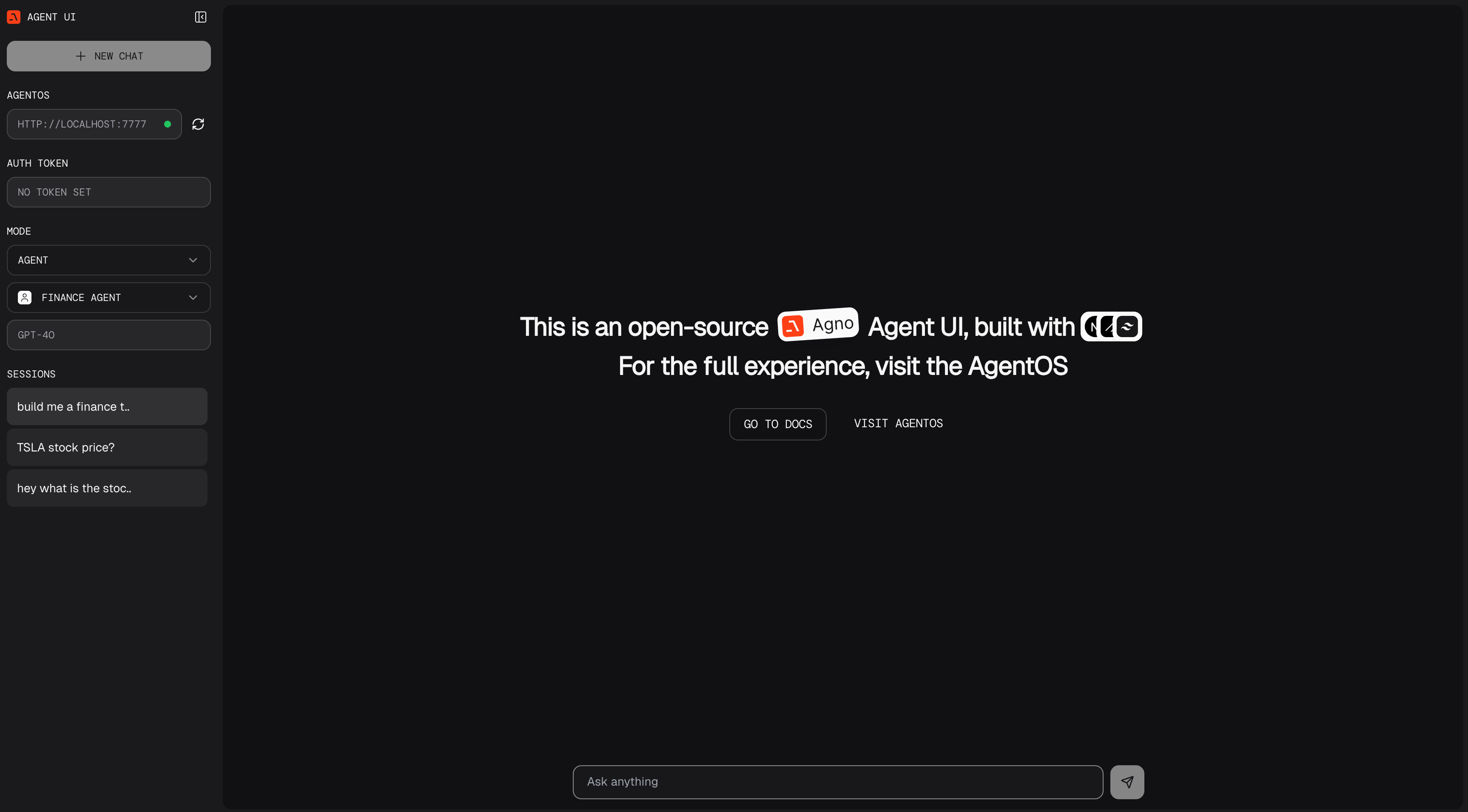
* Enter `http://localhost:7777` in the left sidebar.
## Learn more
Run agents, teams, and workflows on the AgentOS runtime.
Build your own agents