

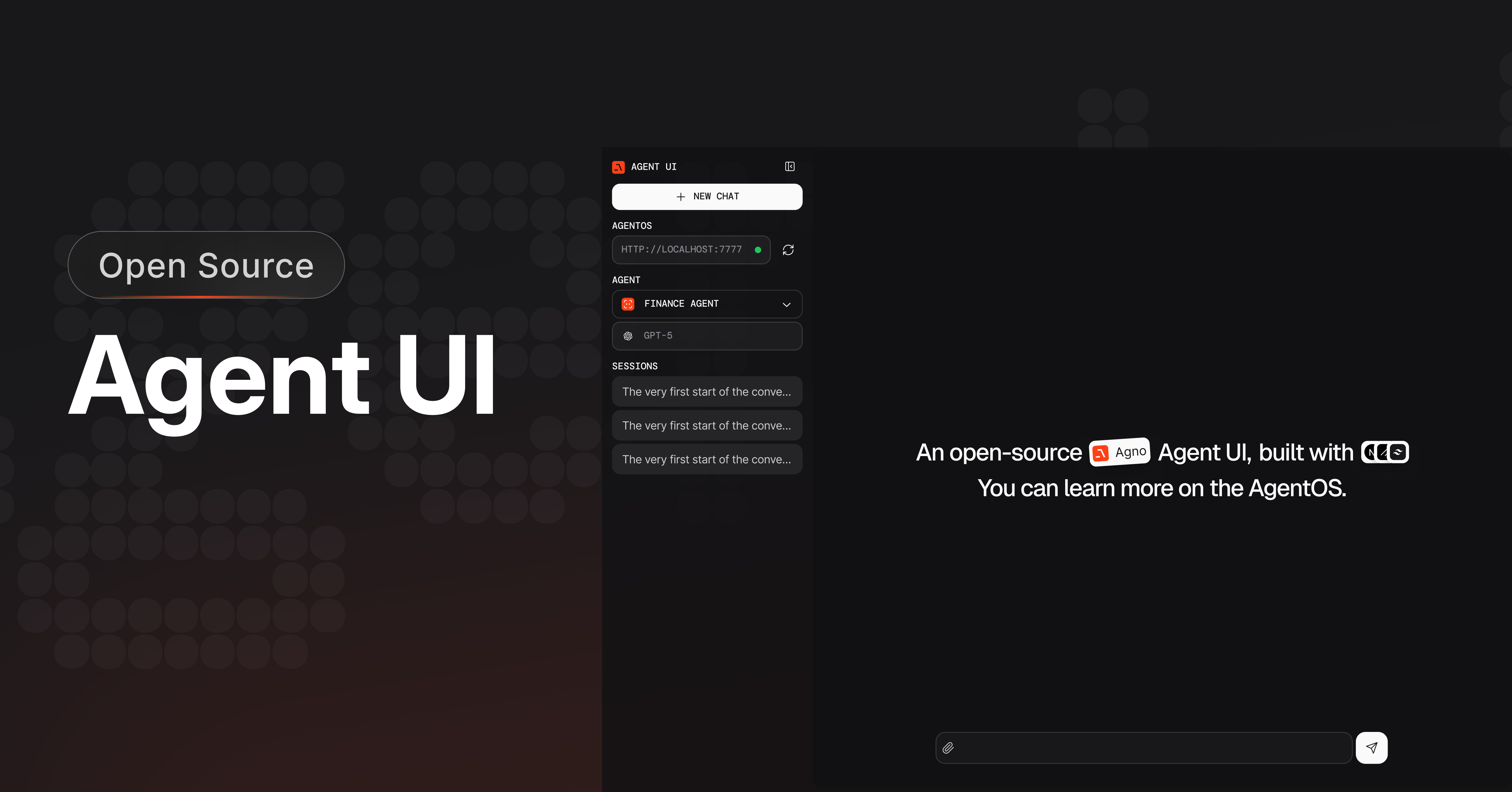
Agent UI sends requests to the AgentOS URL you configure. AgentOS stores
sessions in its configured database and sends model and tool requests to the
providers configured in your application. Agno telemetry is enabled by
default. Set
telemetry=False on AgentOS and each agent, team, or workflow
to disable it.Install Agent UI
y to create the project and install its dependencies. Start the
development server:
Clone the repository manually
Clone the repository manually
Clone the repository and start the development server:
Connect AgentOS
Agent UI sends requests directly to the AgentOS endpoint you select. Createagentos.py for a local server:
agentos.py
1
Setup your virtual environment
2
Install dependencies
3
Export your OpenAI key
4
Run the AgentOS
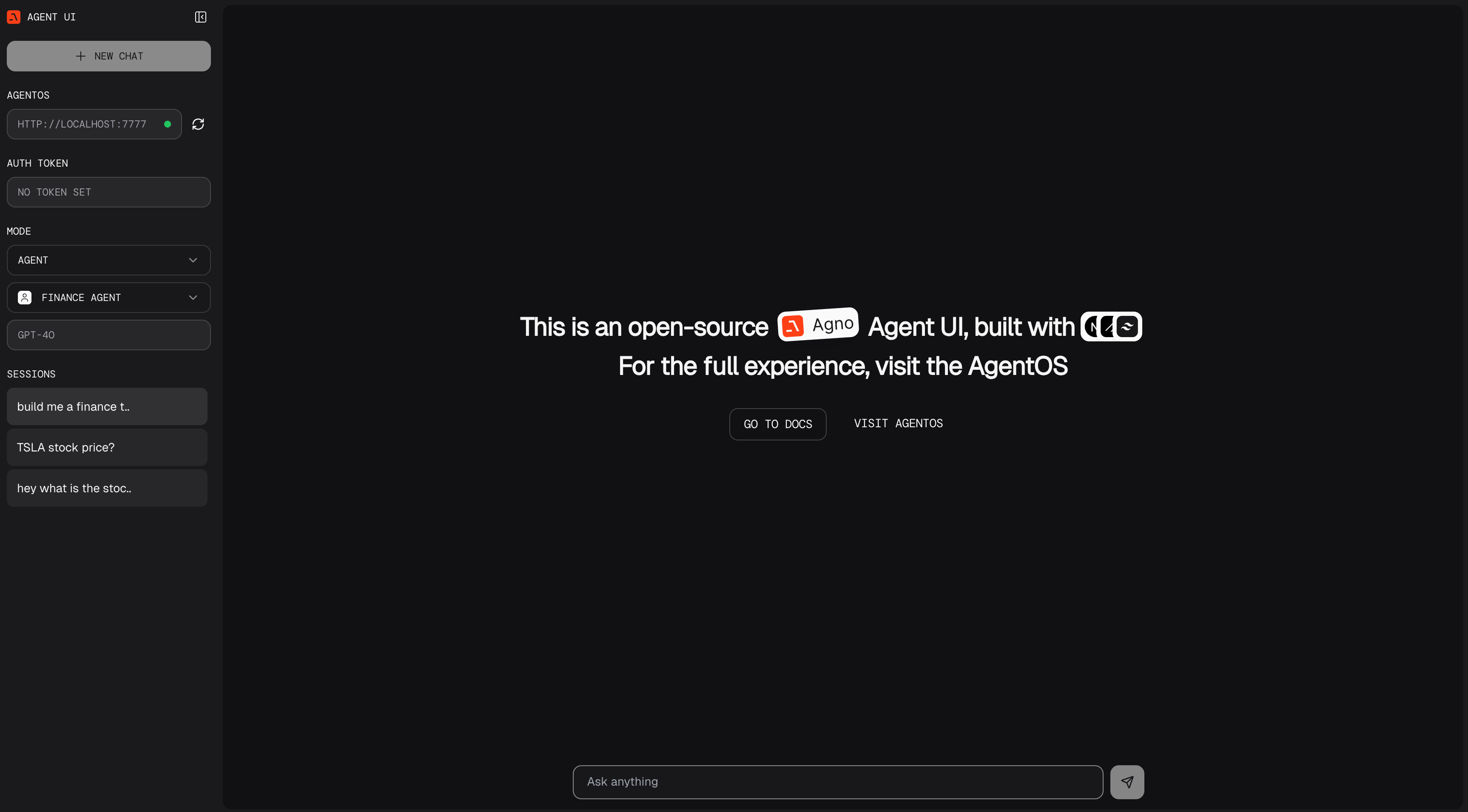
Open Agent UI
- Open http://localhost:3000.
- Enter
http://localhost:7777in the left sidebar.
Learn more
AgentOS Introduction
Run agents, teams, and workflows on the AgentOS runtime.
Building Agents
Build your own agents